The homepage
Administrators can customise the homepage of their Tuleap platform here.
First of all, as shown below, they can add a logo (if desired) which will appear at the top left of the project page.
.png?sv=2026-02-06&spr=https&st=2026-11-29T19%3A26%3A48Z&se=2026-11-29T19%3A37%3A48Z&sr=b&sp=r&sig=E3XXxmJcKUs2Fcrdy%2Fvl3%2BAKFUnVDUh0agev9JD4VUk%3D)
.png?sv=2026-02-06&spr=https&st=2026-11-29T19%3A26%3A48Z&se=2026-11-29T19%3A37%3A48Z&sr=b&sp=r&sig=0uwTwyXzi5okorpm6vyJwAB2FlYZMieFErFQihWOPZM%3D)
Headline
.png?sv=2026-02-06&spr=https&st=2026-11-29T19%3A26%3A48Z&se=2026-11-29T19%3A37%3A48Z&sr=b&sp=r&sig=VTOktbec2%2BS%2FYYWA%2B9DJpuApKYzOXmHzus%2FV3%2BRWQhQ%3D)
Platform statistics
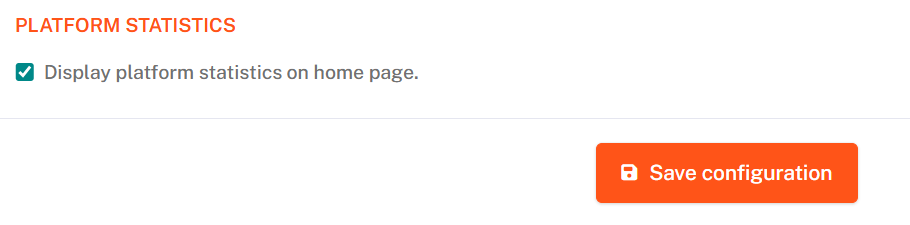
If administrators tick the box to display statistics, they will appear at the bottom of the home page.
.png?sv=2026-02-06&spr=https&st=2026-11-29T19%3A26%3A48Z&se=2026-11-29T19%3A37%3A48Z&sr=b&sp=r&sig=nWmyT1zvhioe8Zf%2BEoIqjj26lH6Ye0379biQadAR0Fg%3D)